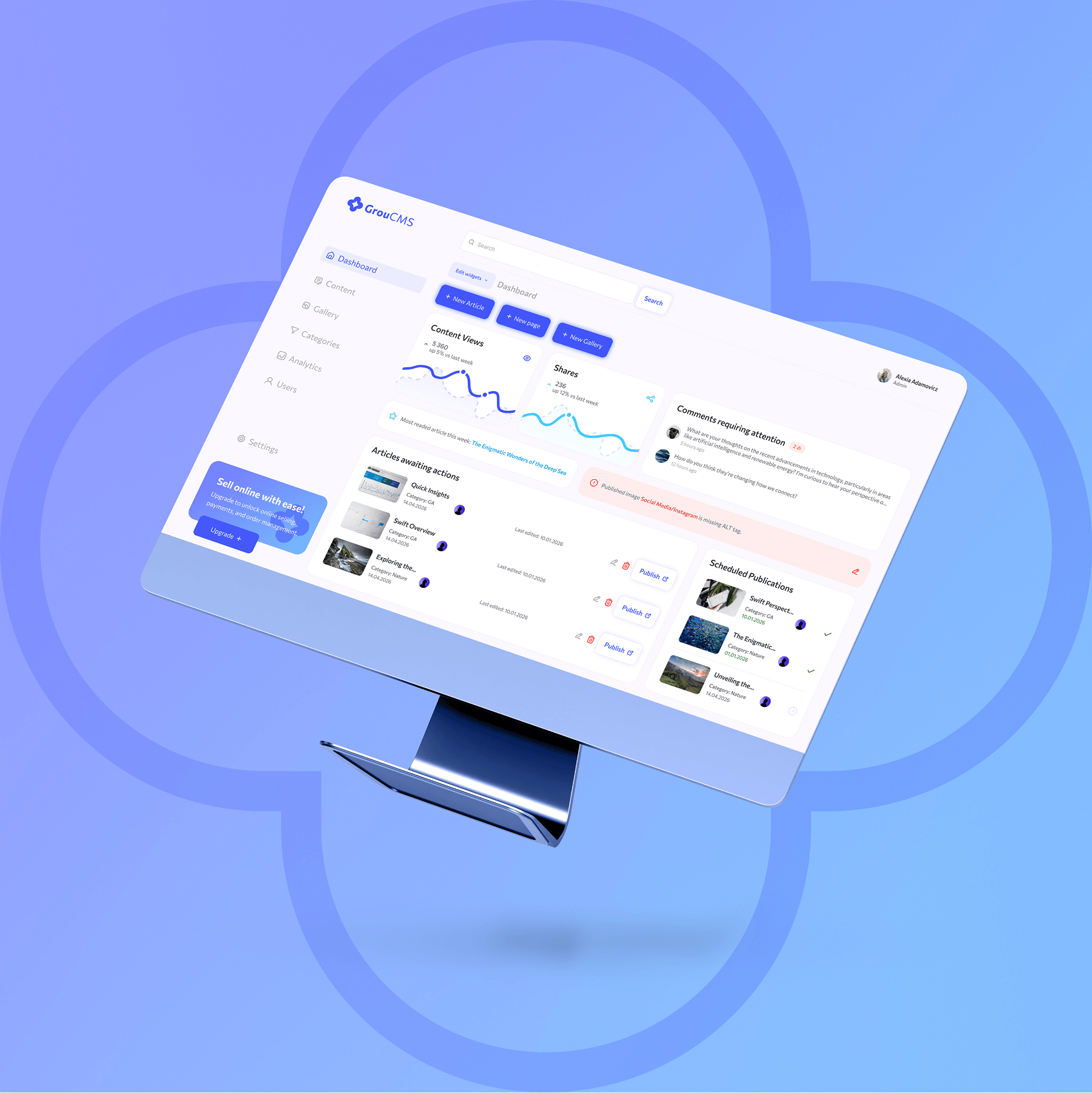
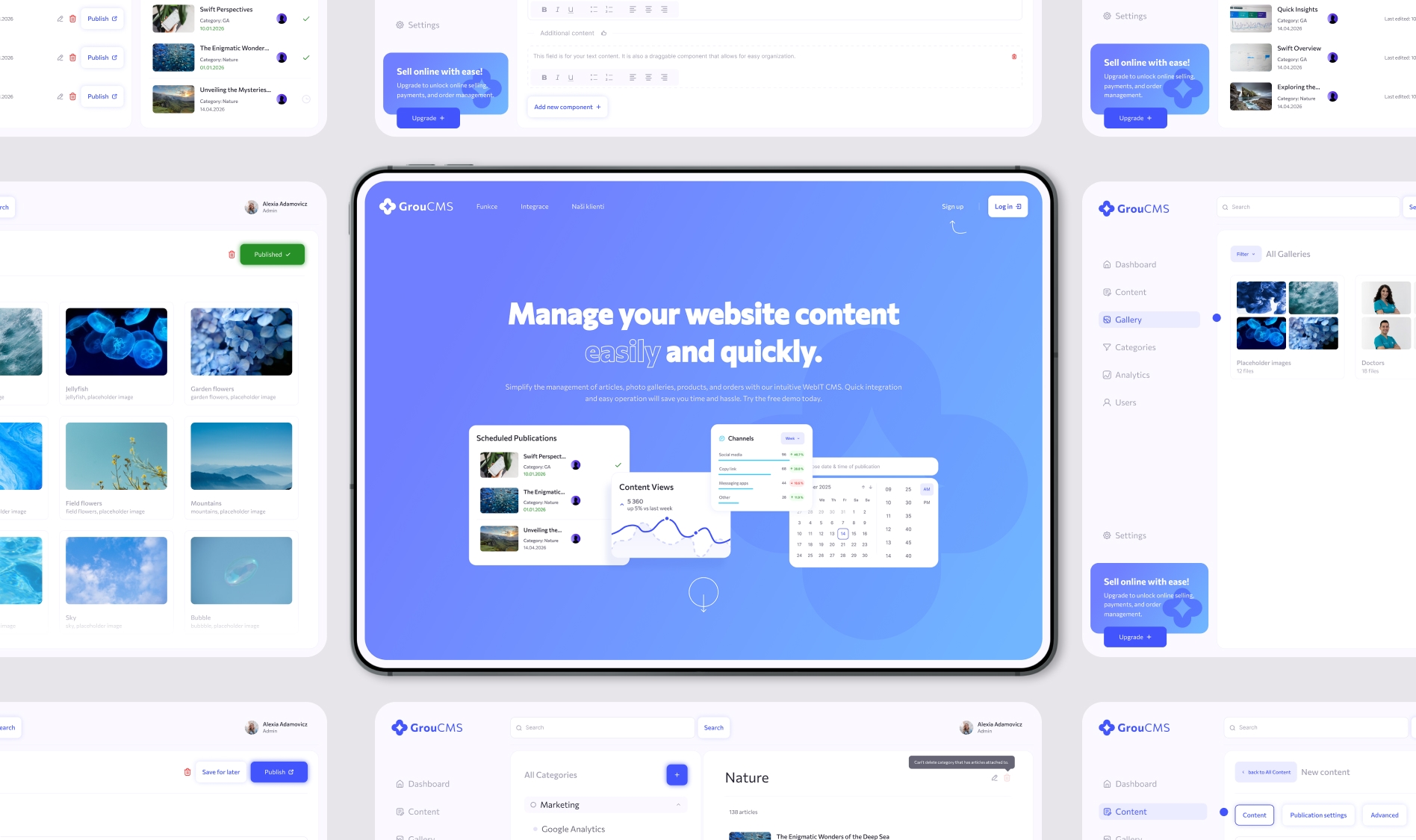
hero
mockup closeup
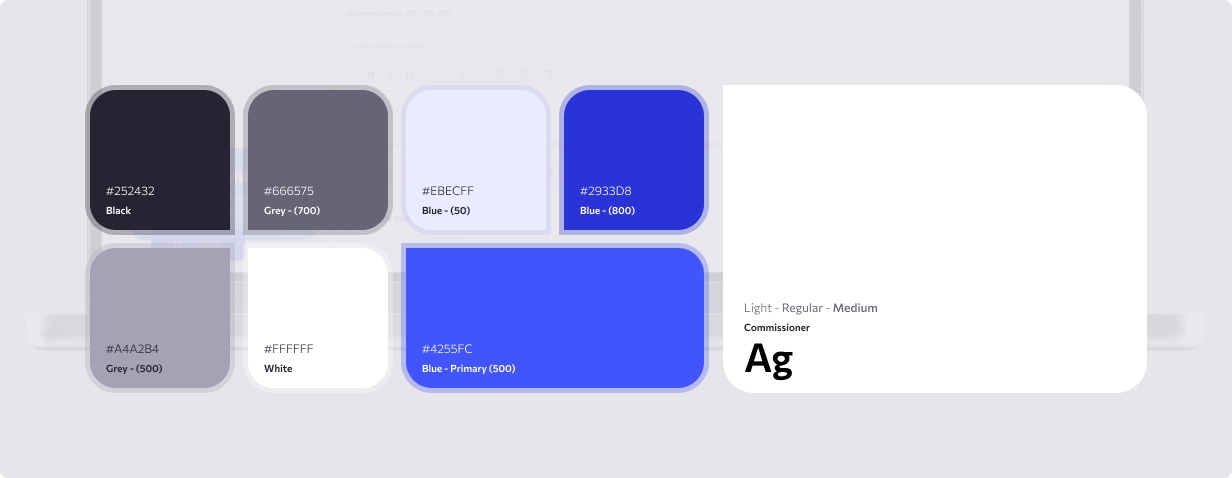
color palette
logo
notebook

Content Management Application

CMS - application dashboard

Content Management Application

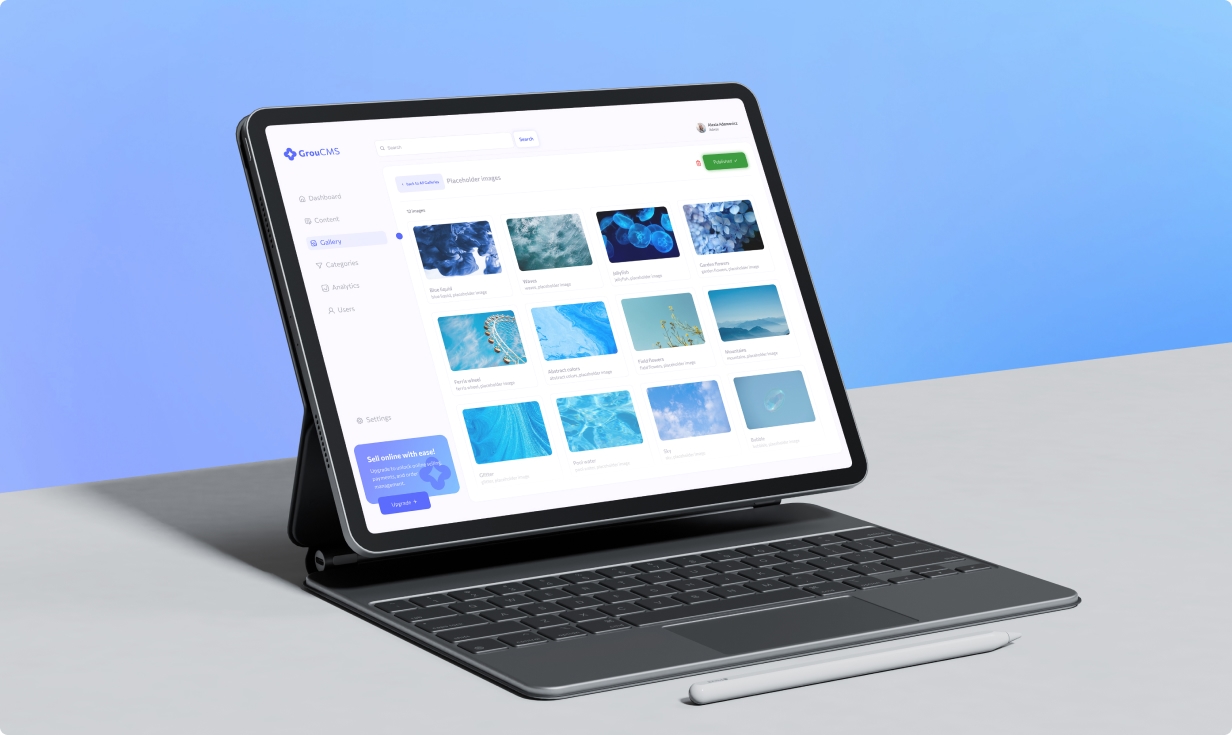
A custom-built CMS featuring content management, lightweight analytics, and tools for creating and managing landing pages.

UI DESIGN
UX

Based on my previous experience creating and editing website content, I aimed to make this CMS platform as intuitive and easy to use as possible.

Knowing that not all editors are tech-savvy, I focused on reducing visual noise and removing unnecessary elements so users wouldn’t be distracted from the primary goal. At the same time, I streamlined the flow to keep interactions fast and the number of steps to a minimum.

This project represents the first phase of the product, with future plans including an e-commerce add-on.

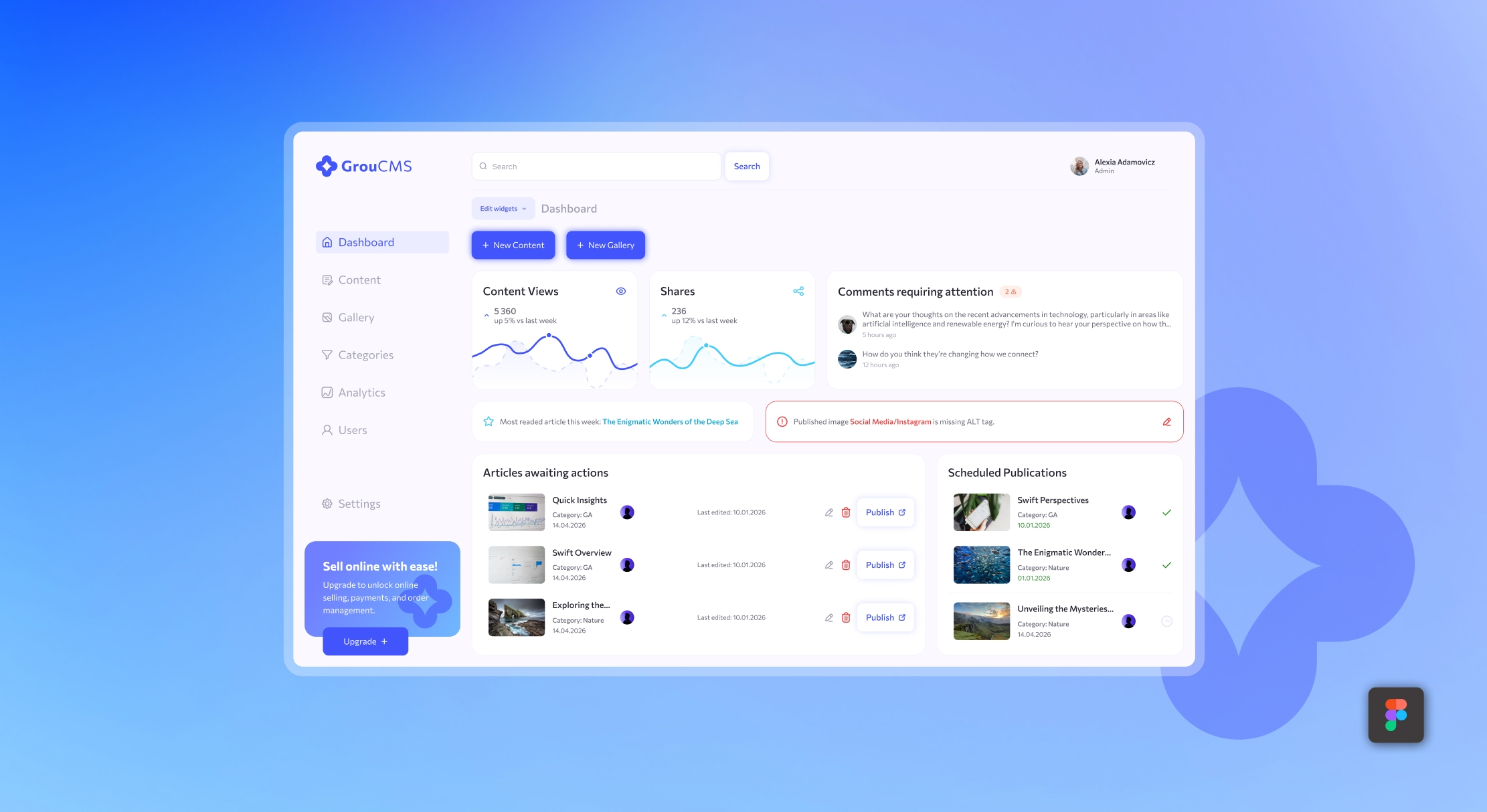
dashboard
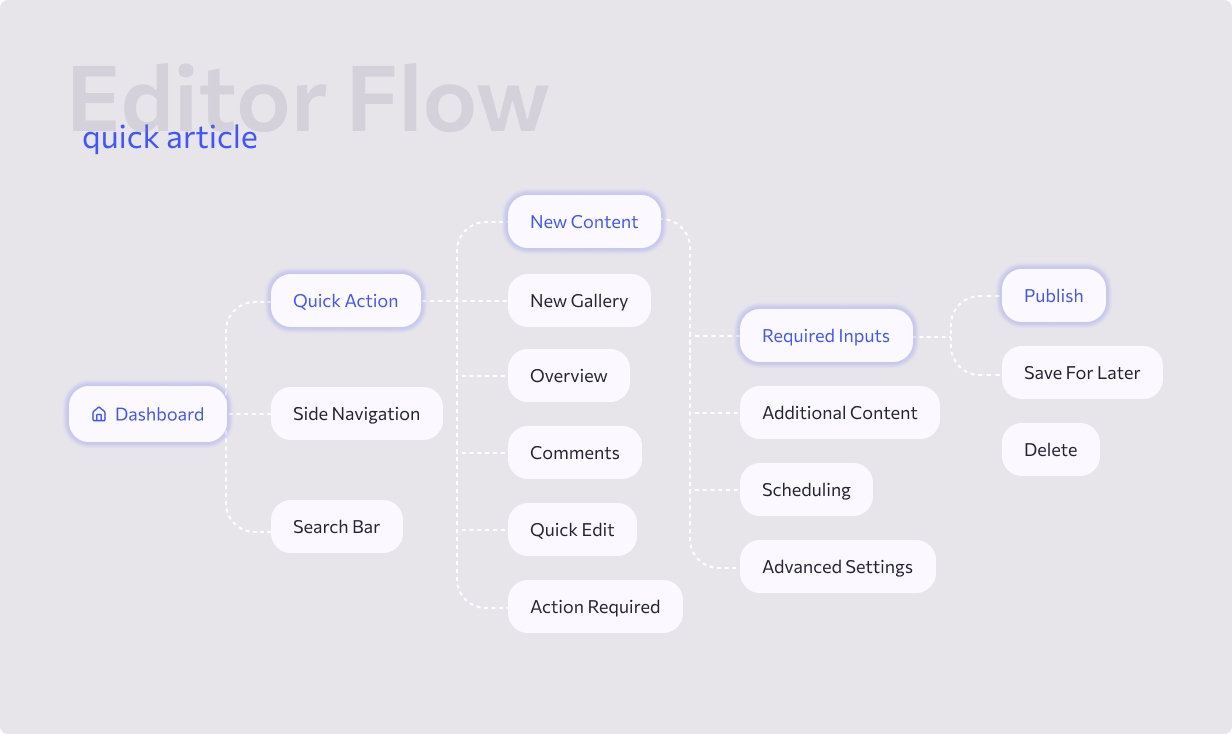
user flow

Speeding up the process.

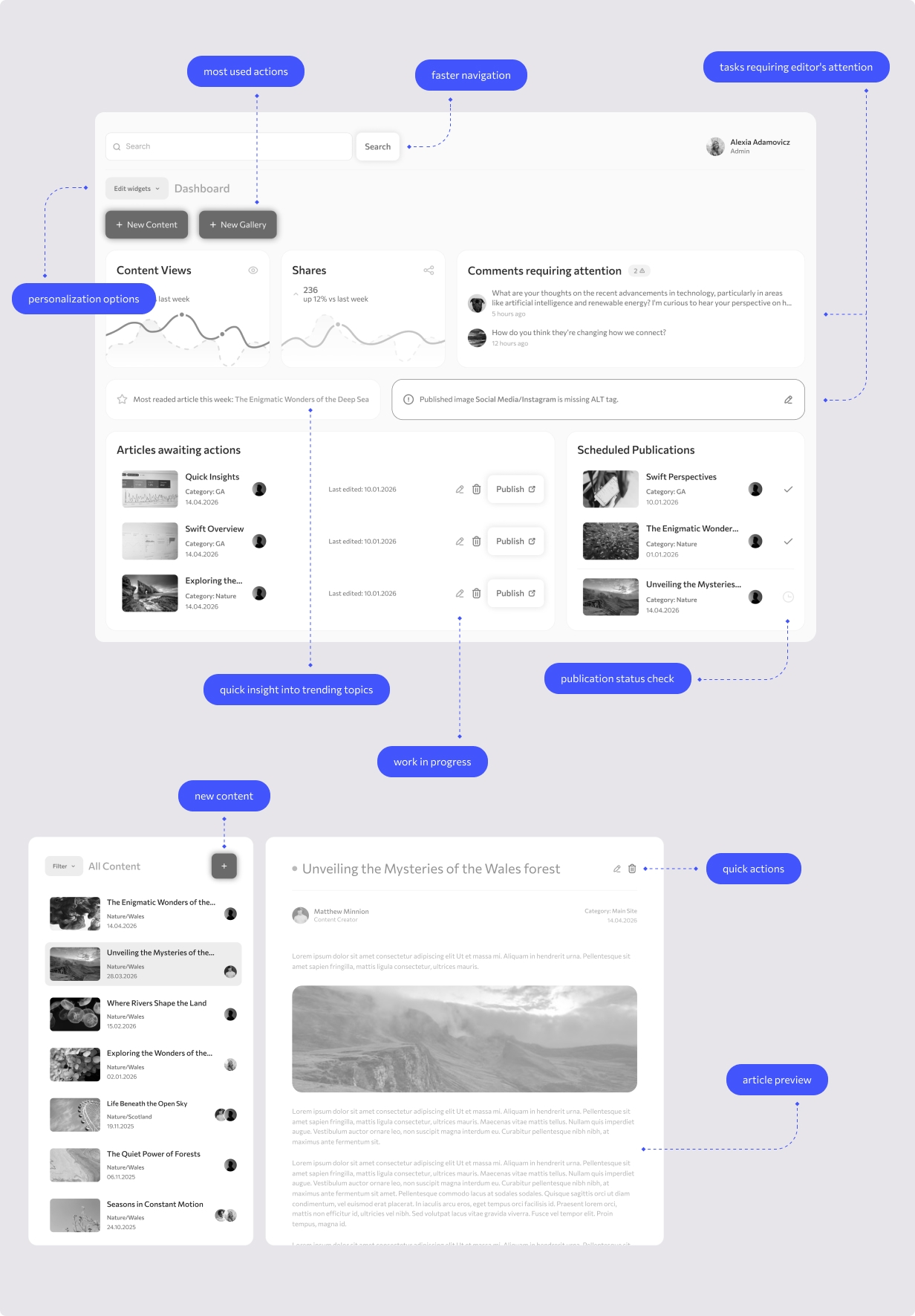
The dashboard of any software should guide users by presenting only what is necessary, without overwhelming them with content. The blocks displayed on our dashboard were carefully selected to align with the specific needs of our editors.

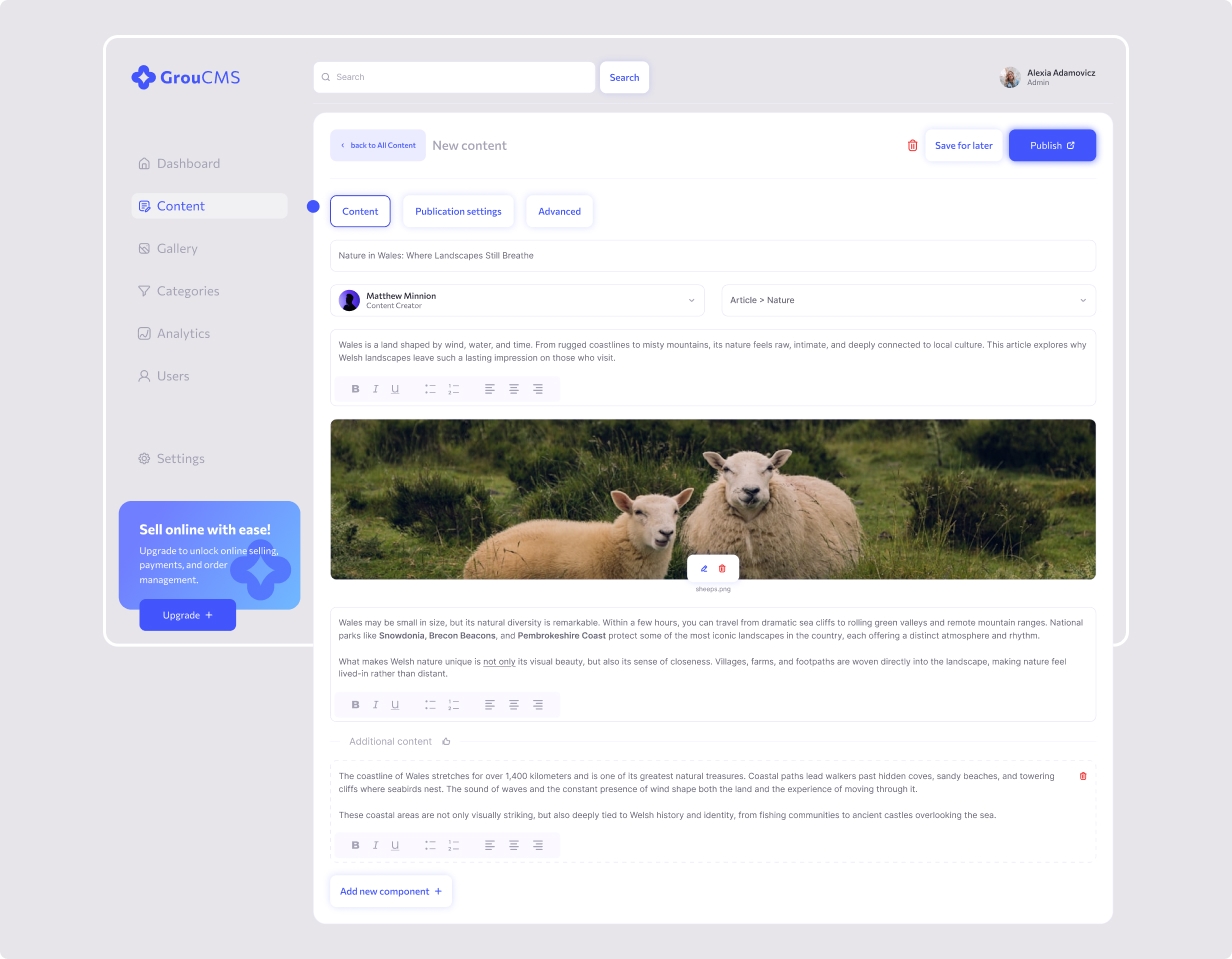
The core product of our platform is the article — referred to in this case as “content.”We chose this term for its simplicity: the same form used to create an article can also be used to build simple pages, such as marketing landing pages, without requiring developer involvement.

For this reason, the dashboard primarily focuses on information related to content. Two primary actions support a smooth creation flow, while additional blocks highlight articles that require attention and provide visibility into scheduled and published content.

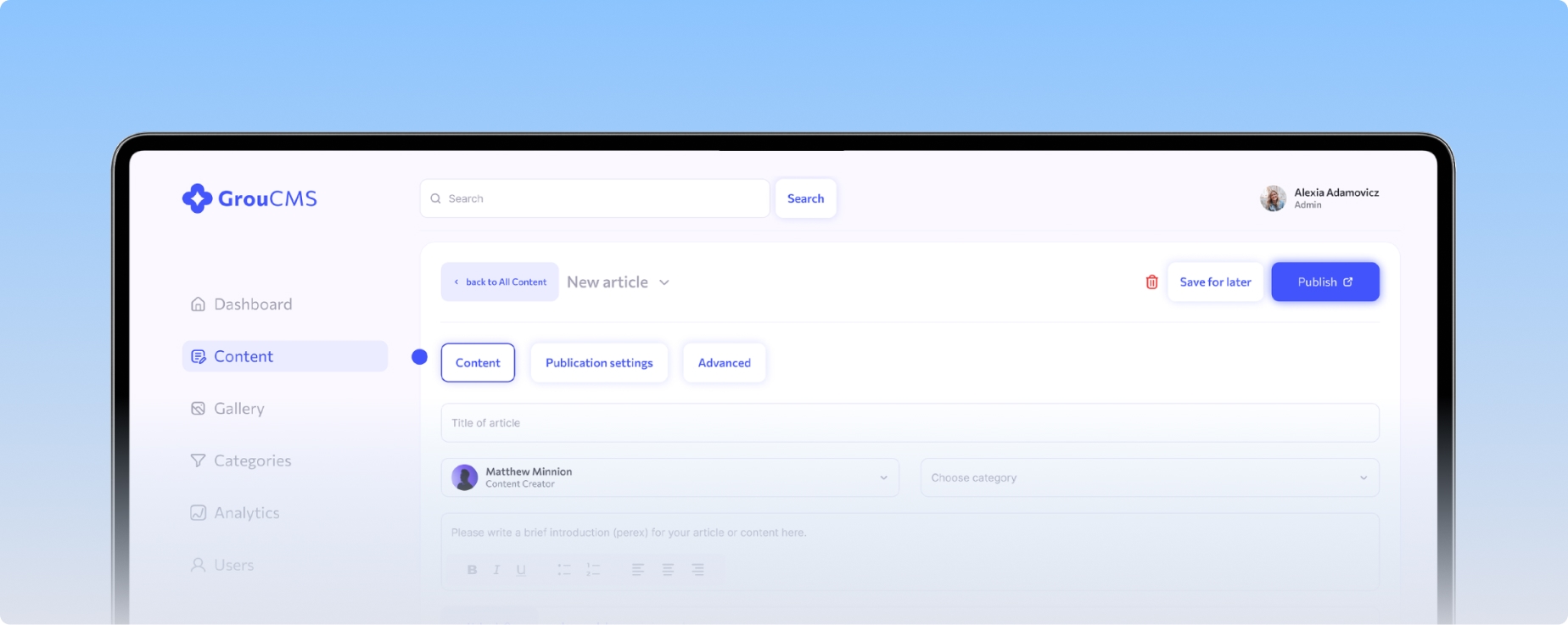
new article

Creative editing without boundaries.

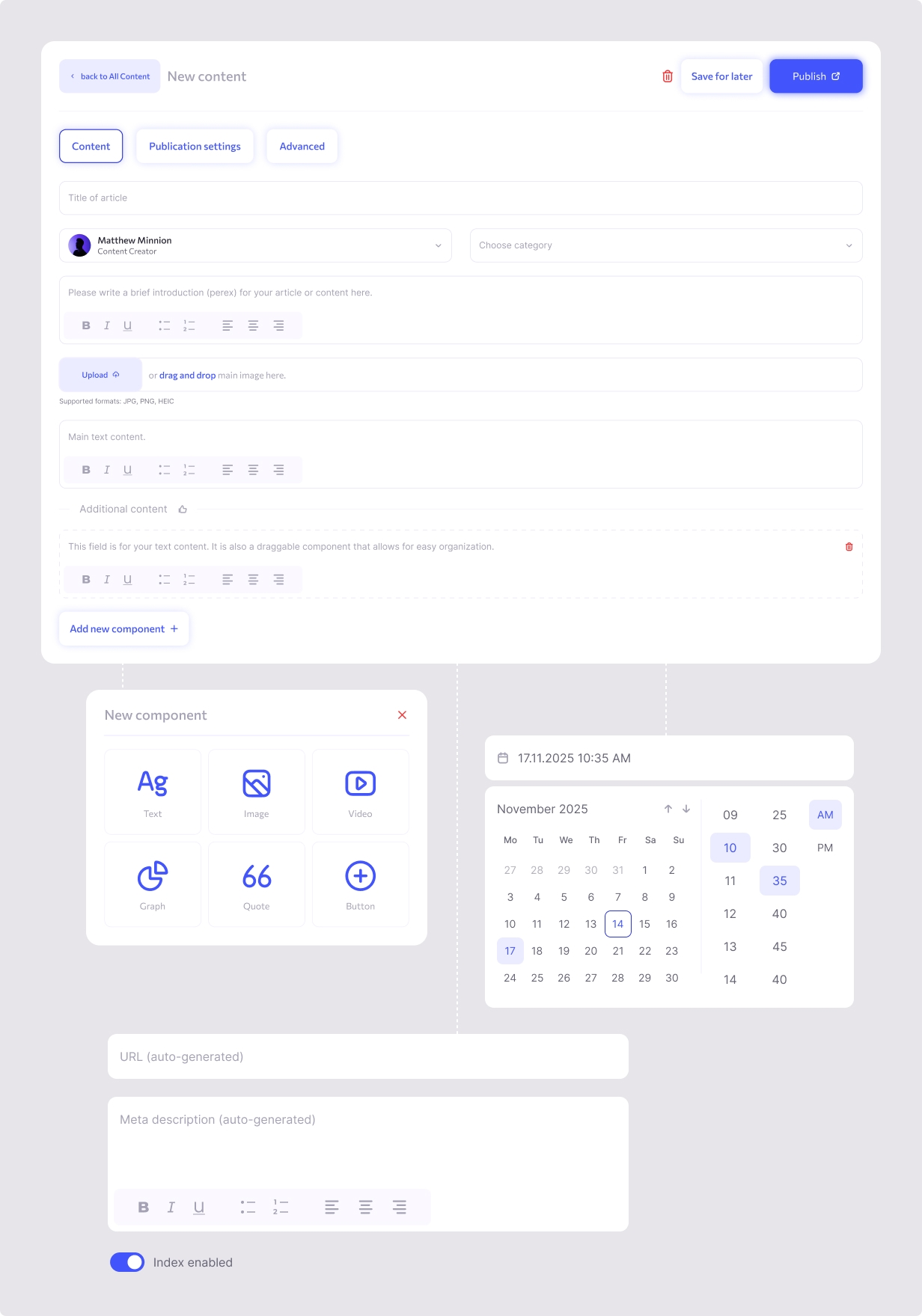
Speed was a key requirement when designing the content editor, but flexibility was also important. Editors often need to react quickly to new situations and publish content fast, without sacrificing quality.

While some content is created under time pressure, other articles require more time and attention. Editors don’t work only with copy, but also with the visual structure of the article itself.

To support both scenarios, we introduced required and optional sections within the content form, along with an auto-save feature to prevent data loss when users step away or switch tabs.

For additional components, we focused on the most commonly used elements, with the flexibility to expand the system in the future. These include text blocks, images and videos, simple charts, quotes, and CTAs. All easily movable via drag-and-drop. Editors can also divide rows into columns, allowing layouts such as text alongside imagery, creating visual contrast and a richer reading experience.

Despite this flexibility, the editor remains minimalistic by default, with clear opportunities to extend its functionality as the product evolves.
showcase

Auto Layout Components.

My workflow relies heavily on auto layout and reusable components. The project is intentionally kept simple by using a limited set of flexible elements, allowing for faster development and easier scalability.

This approach ensures visual consistency across the entire product while making iterations and design changes more efficient and less time-consuming.

All styles, including color palettes and typography, are centralized in the project’s UI library. This improves collaboration, makes the system easier to navigate, and allows other designers to onboard quickly.

analytics
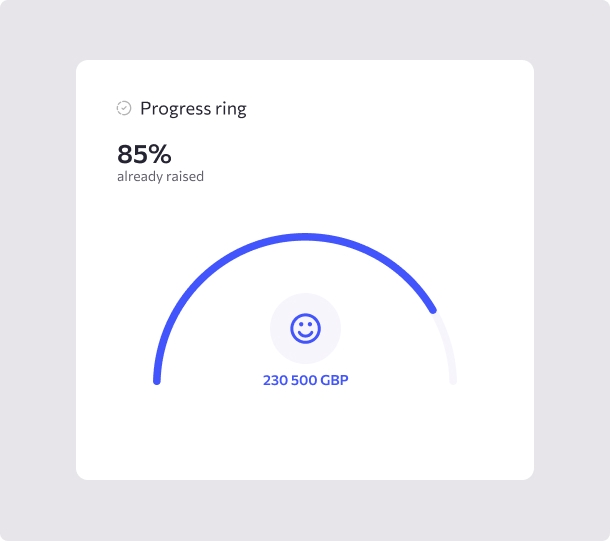
analytics progress ring
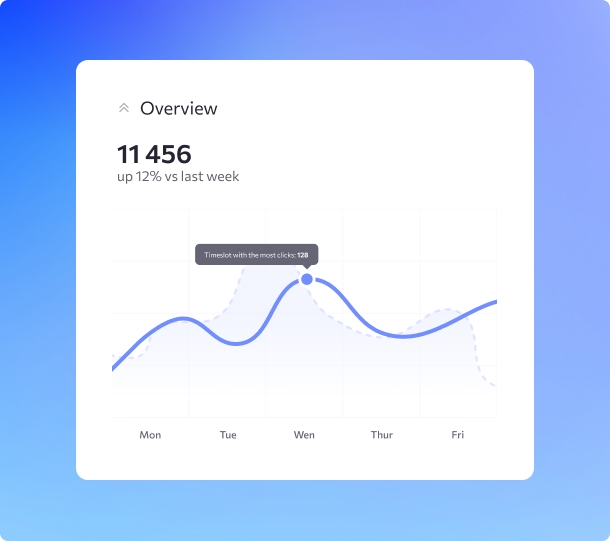
analytics overview
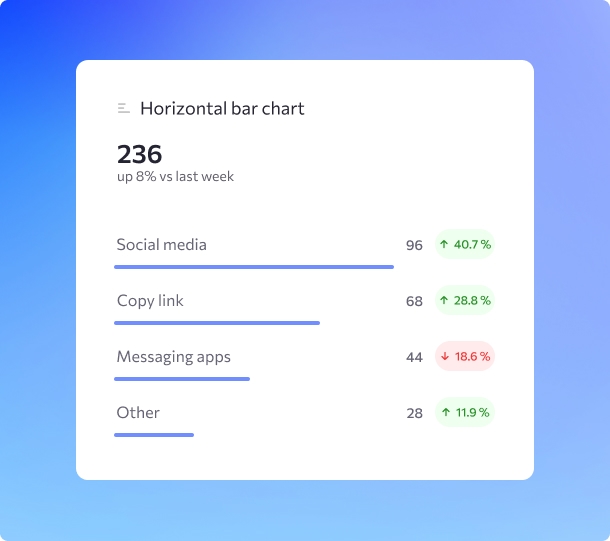
analytics bar-chart
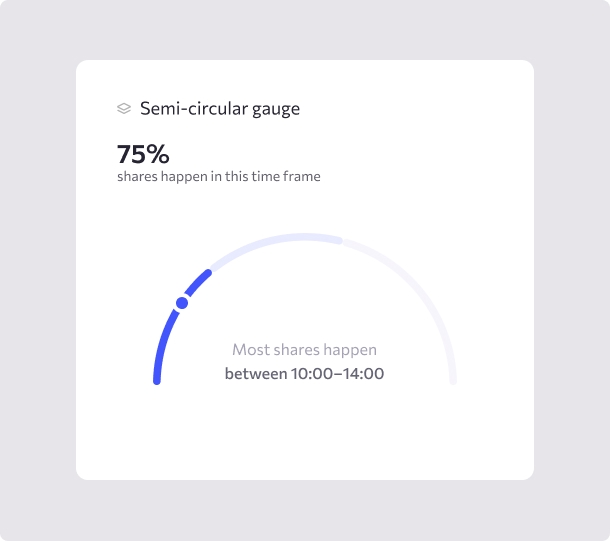
analytics graph
analytics mockup

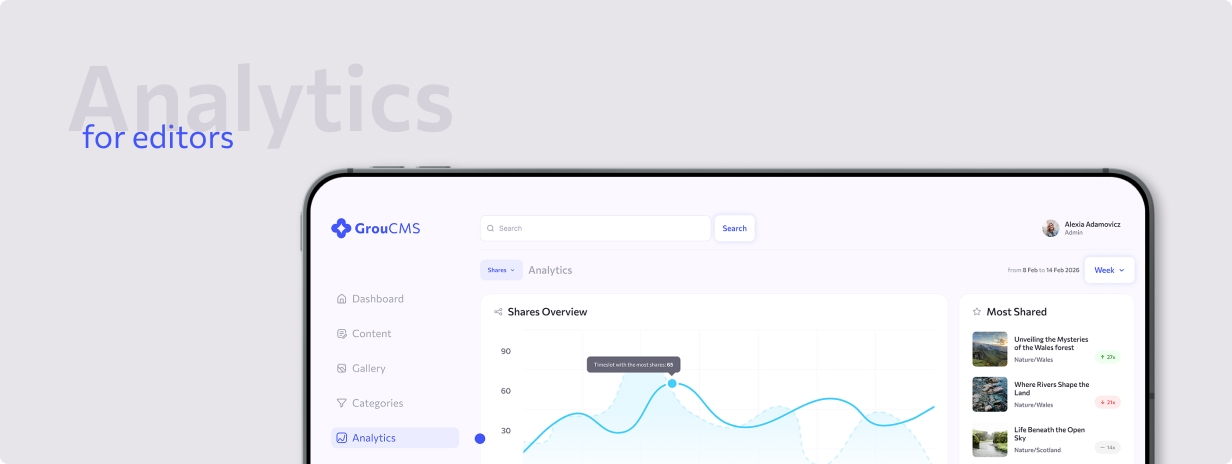
Valuable information made easy to understand.

To create effective content, editors rely on timely feedback and clear insights from analytics. Understanding which topics perform well or when content is most likely to be read helps reduce uncertainty around reader behavior.

At the same time, the analytics needed to remain accessible to editors without deep knowledge of marketing or analytics tools.

With this in mind, I designed a minimal analytics dashboard focused on a small set of key metrics. The goal wasn’t to replace tools like Google Analytics, but to provide quick, actionable insights directly within the CMS.

This allows editors to understand content performance at a glance, without leaving the app or navigating complex reports.

secondary-actions
page not found
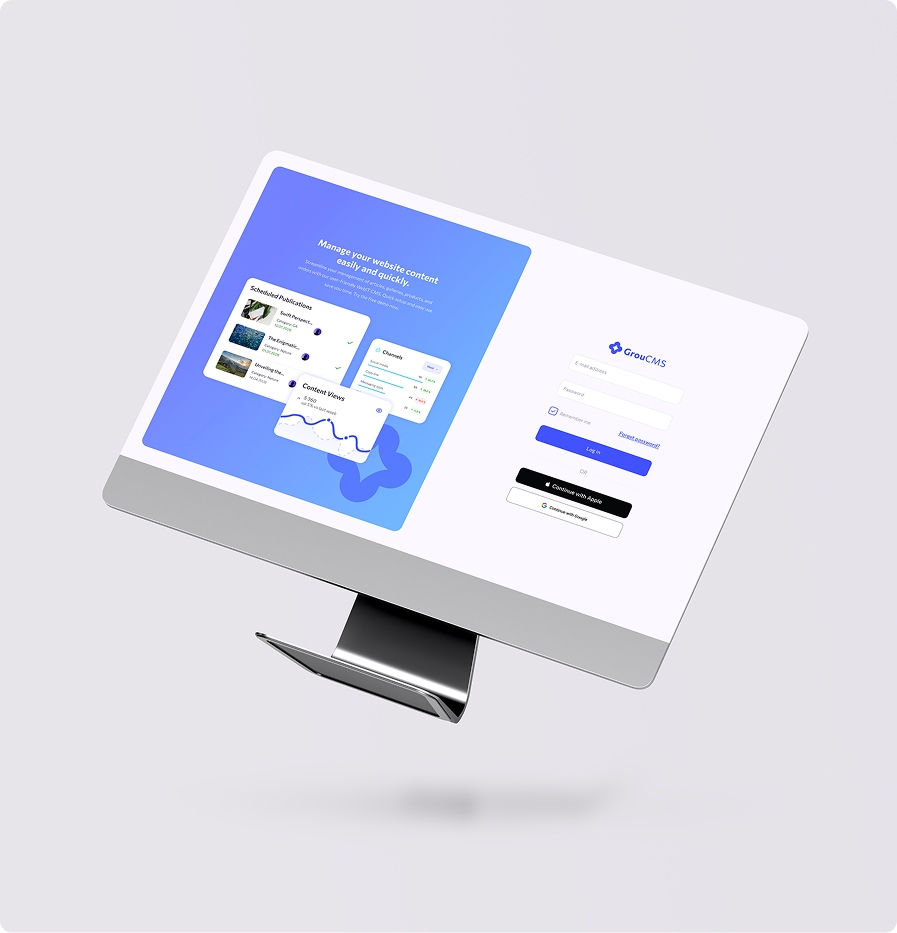
login

Secondary actions.

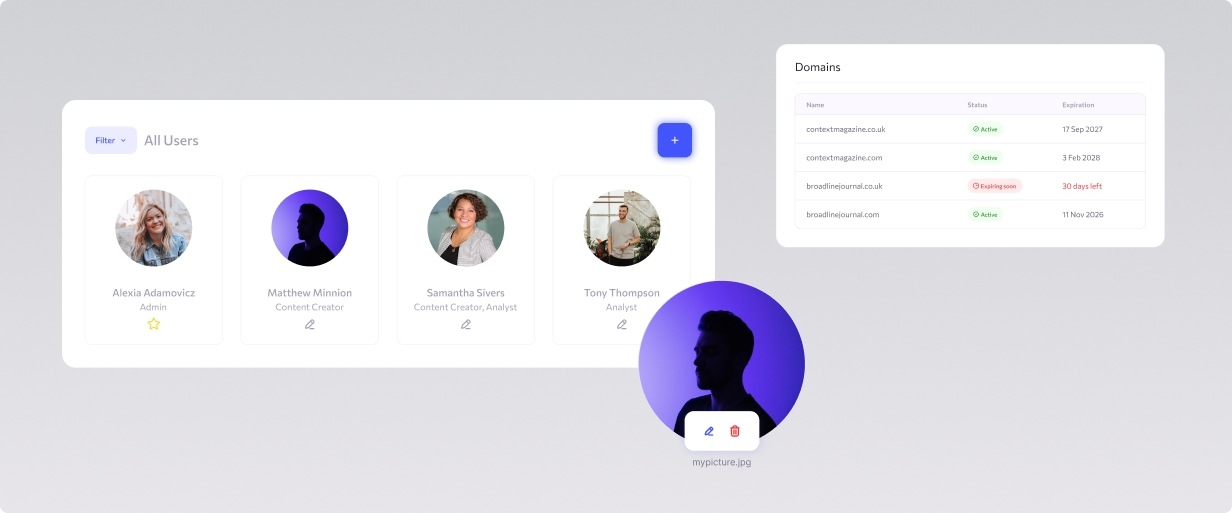
User and role management was intentionally designed as a simple, self-service feature within the CMS. Each domain administrator can manage users independently, removing the need for developer intervention in everyday scenarios.

At this stage, user creation and editing remain limited by design, as editors do not require a high level of flexibility in this area.

For administrators, we also introduced a lightweight Settings page that surfaces key data imported from third-party domain management tools. Navigating external systems can be overwhelming for some users, so the goal was to provide essential information directly within the CMS. The domain table focuses on the most critical details: domain status and expiration, with clear CTAs that link directly to the relevant domain service when deeper management is needed.

CMS - thank You